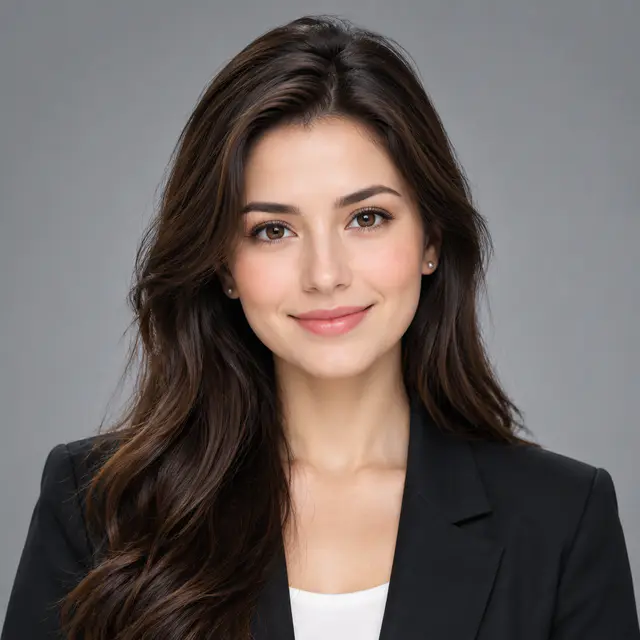

The five-minute profile picture checklist
A good profile picture makes you easy to recognize at a glance. You do not need a studio or an expensive camera. A phone, soft daylight, a steady shot, and a clean crop are enough for most personal and professional accounts.
- Clean the camera lens and use the rear camera when possible.
- Face a window or stand in open shade instead of direct sun.
- Choose a quiet background that does not merge with your hair or clothing.
- Keep your face near the center and leave room for a circular crop.
- Take several expressions, then check the finalists at avatar size.
Decide where the picture will be used
The account should decide the tone of the photo. A professional profile picture needs to look current and recognizable. A social profile can carry more color, styling, or context. Discord and gaming profiles often need stronger contrast because the image appears beside compact messages and dark interface colors.
| Account | What to prioritize | What to avoid |
|---|---|---|
| LinkedIn or business | A recent likeness, clear eyes, work-appropriate clothing | Heavy filters, old photos, group crops |
| Instagram or TikTok | Recognizable face, personal color, confident expression | Tiny subject, cluttered background |
| Discord or gaming | Strong silhouette and contrast at small size | Dark subject on a dark background |
| WhatsApp or private profiles | Familiar face or simple personal symbol | Distant full-body shots |
Set up your phone, light, and background
Wipe the lens, turn on the camera grid, and ask another person to take the photo with the rear camera. If you are working alone, place the phone at roughly eye level and use a timer. Standing farther from the phone usually gives a more natural result than holding it close to your face.
Face a large window indoors or use open shade outside. Move away from the wall behind you so the background becomes less distracting. Check the edges of the frame for bright signs, plants, doorways, or objects that appear to grow out of your head.
- Avoid direct midday sun, overhead room lights, and a bright window behind you.
- Use one main light color instead of mixing warm lamps with blue daylight.
- Choose clothing that separates clearly from the background.
Frame the photo for a square and circular crop
Shoot a square-friendly head-and-shoulders composition, but keep the original frame slightly wider than the final avatar. LinkedIn recommends letting the face fill about 60 percent of the frame. That is a useful starting point for other profile photos too, as long as hair, hats, and shoulders are not pressed against the edges.
Keep the eyes around the upper-middle of the square and place important details near the center. Many platforms store a square image but display it through a circular mask, so the corners should not contain anything essential.
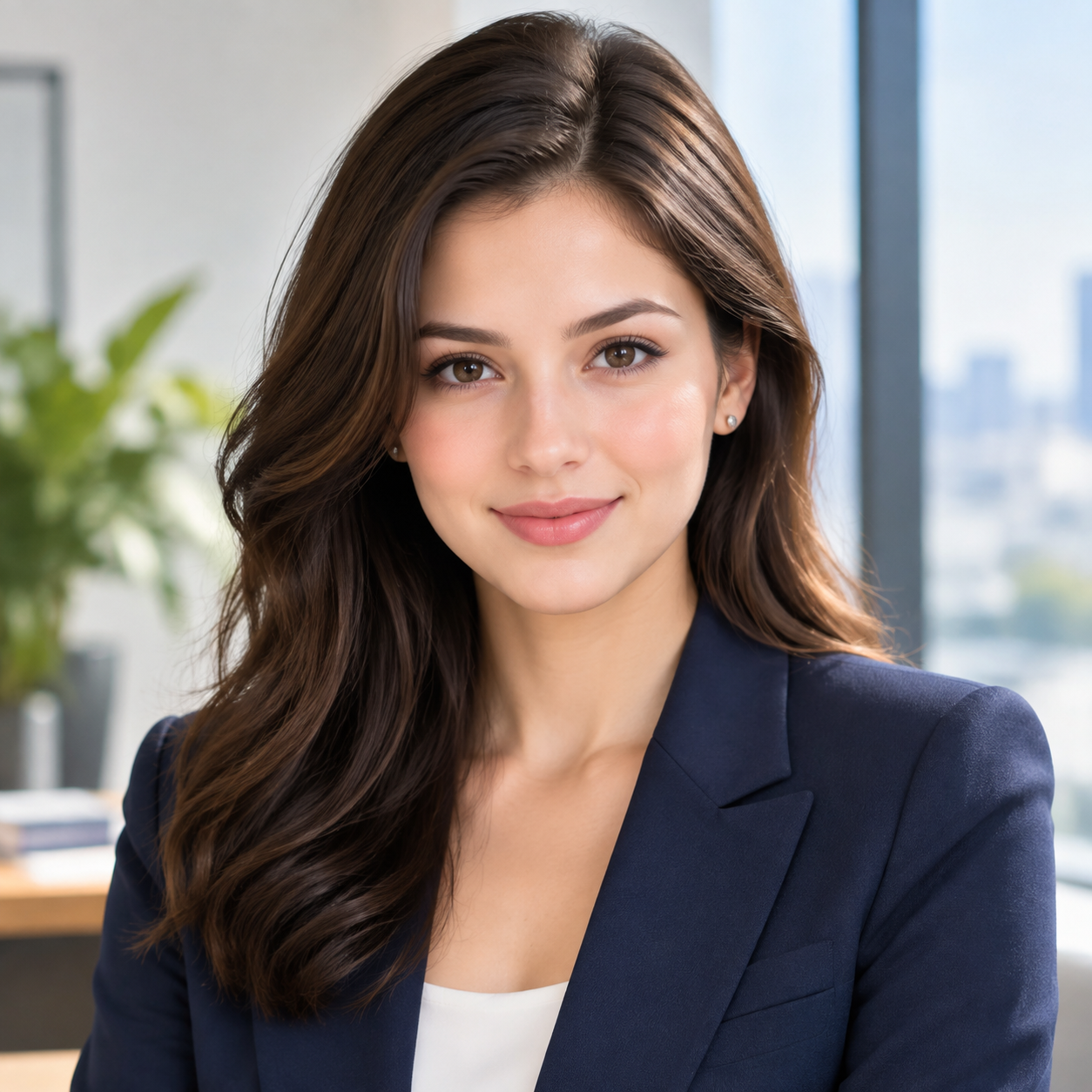
- Capture both a close headshot and a slightly wider version.
- Do not crop through the chin or the top of the head by accident.
- Preview the image as a small circle before publishing.
Use a natural expression and simple pose
Choose an expression that fits how you use the account. A relaxed smile often feels approachable, while a calm neutral expression can suit a serious or creative profile. Avoid holding one forced expression through the entire shoot. Talk, breathe, and reset between frames so you have genuine variations to compare.
Turn your shoulders slightly rather than standing completely flat to the camera, then bring your eyes back toward the lens. Keep your neck relaxed and move your chin slightly forward if the jawline disappears in the crop. Small adjustments are easier to repeat than a complicated pose.
- Take smiling, neutral, and lightly smiling versions.
- Keep your posture upright without lifting your shoulders.
- Wear what people would reasonably expect to see when meeting you.
Take several photos and ask someone else to help choose
Do not stop after one acceptable frame. Change the distance, expression, and shoulder angle, then compare a short list rather than dozens of nearly identical shots. Remove any image that is blurry, poorly lit, or no longer looks like you before judging style.
A 2017 study on profile image selection found that people made less favorable choices for their own profile images than unfamiliar viewers made for them. Ask one or two people who understand the purpose of the account to choose between your final three images. Their first reaction is often more useful than another hour of inspecting your own face.
- Compare no more than three or four finalists at once.
- Ask which image looks most recognizable and appropriate, not which is most flattering.
- View each option beside a username or mock profile before deciding.
Edit lightly, then run the small-size test
Adjust exposure, white balance, and crop before adding any filter. Keep skin texture and facial proportions natural. If the background competes with the face, reduce its brightness or saturation instead of sharpening the whole image.
Export a clean square version and view it at roughly the size of an avatar in a comment or message. The eyes, expression, and outline of the head should remain clear. If they disappear, move closer, simplify the background, or add a little more contrast around the subject.
- Keep an uncropped original so you can prepare new platform versions later.
- Avoid beauty filters that change recognizable features.
- Check the final image on both light and dark screens.
Common profile picture mistakes
Most weak profile pictures fail for ordinary reasons: the subject is too small, the light is behind the person, or the background receives more attention than the face. Fix those problems before buying equipment or adding effects.
- Using a group photo that makes viewers guess who owns the account.
- Cropping a low-resolution image until it becomes soft or pixelated.
- Standing directly against a wall and creating a hard shadow.
- Using an old photo that no longer matches your current appearance.
- Placing text, a logo, or an important detail in a corner that gets cropped.
Sources and further reading
The framing, lighting, selection, and social-profile guidance in this article was checked against the following sources. The example image above is an illustrative PFPSpace image, not photographic evidence for the cited research.